
Second Brain
Private AI notes and voice memos
Capture text or voice, turn recordings into searchable notes, ask with cited answers, and carry only the context you choose into another AI. Processing stays on-device; notes stay local unless you enable private iCloud sync.

On the App Store this is listed as AI Note Taker: Private Notes.
The Challenge
Your best thoughts arrive at the worst times, and notes apps are where they go to disappear. Search finds words, not meaning. The tools that do understand meaning want your private thoughts on their servers.
Our Approach
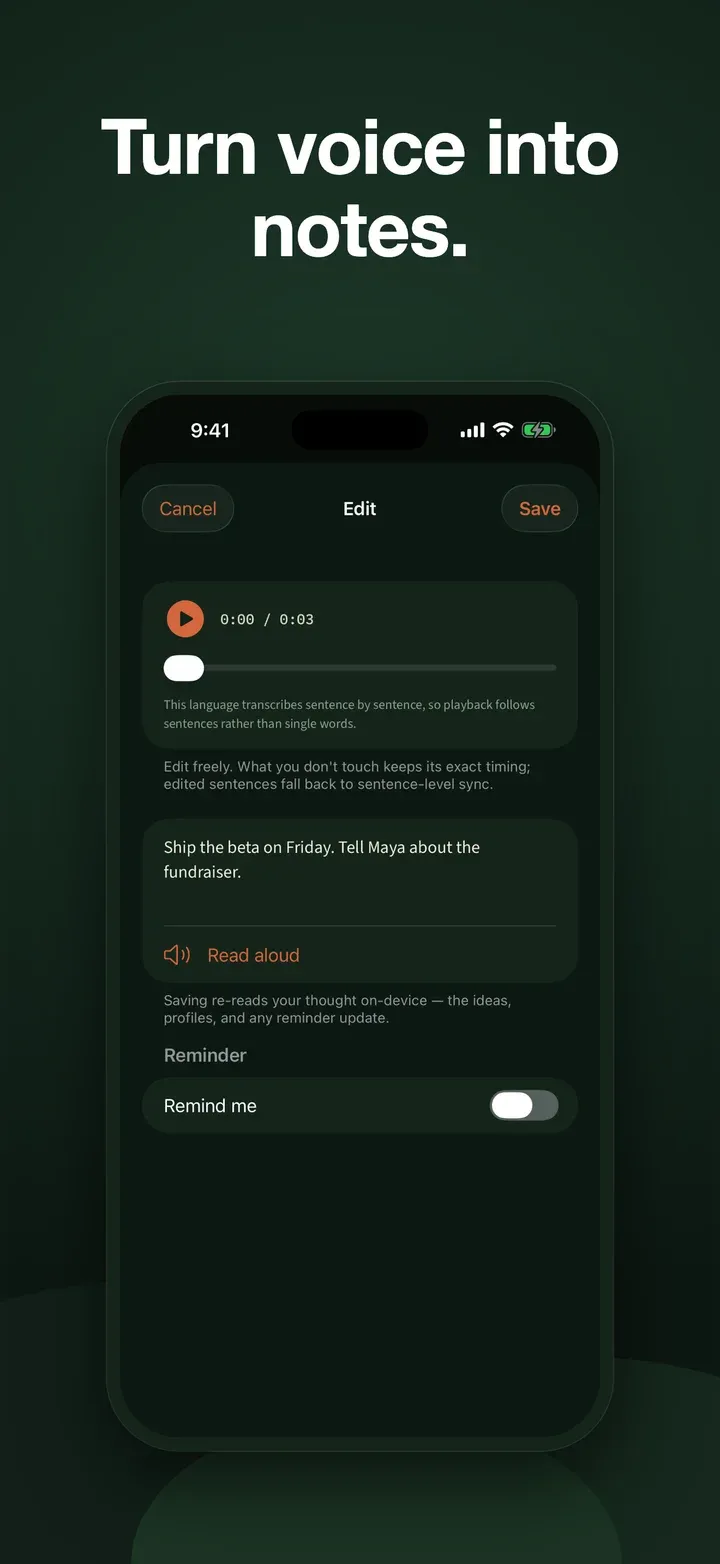
Second Brain saves text and voice first, before any AI work. A voice memo you start can continue in the background, play back later, and become searchable through on-device transcription. Ask then answers from saved notes with a citation you can inspect, while Take It Anywhere lets you review and copy only the context you choose for another AI. Processing stays on-device: there is no Studio AM account or tracking, and optional private iCloud sync remains off until you enable it.
Want to test the organizing idea before installing? The free voice-note organizer sorts a pasted transcript into rough action, decision, idea, date, name, and topic cues entirely in the browser. It uses simple matching rather than AI and saves nothing; the app’s on-device model handles the deeper private workflow.
Key Features
- Capture instantly. Type, dictate, share text, or record a voice memo. User-started recordings can continue in the background.
- Search voice memos. Play recordings and transcribe them on-device so the words join the same private search as typed notes.
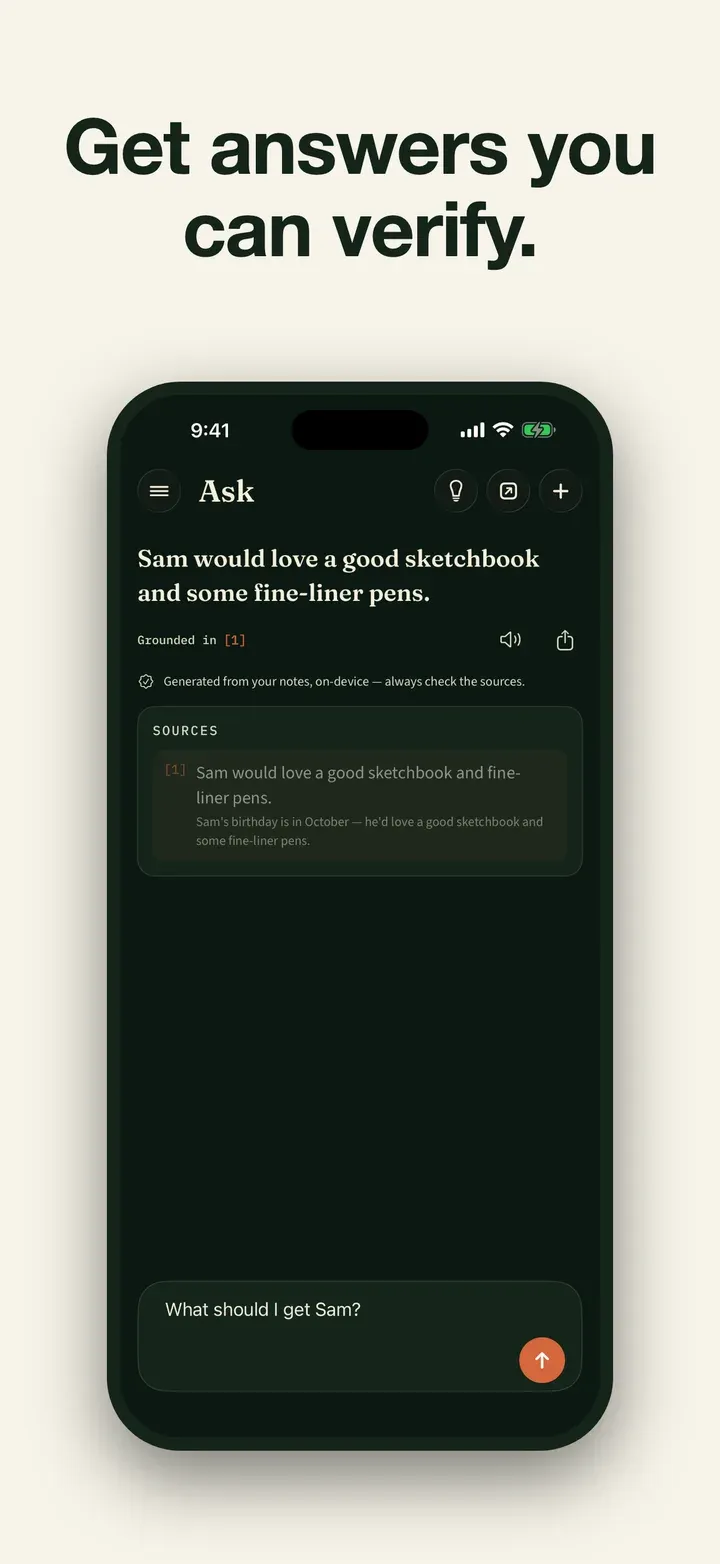
- Ask your memory. Plain-language questions get grounded answers with citations to your own notes, and “I don’t have that in your notes yet” when there isn’t.
- Take selected context anywhere. Review retrieved facts, remove anything private, then copy or share a clean context-and-question prompt. Nothing is sent automatically.
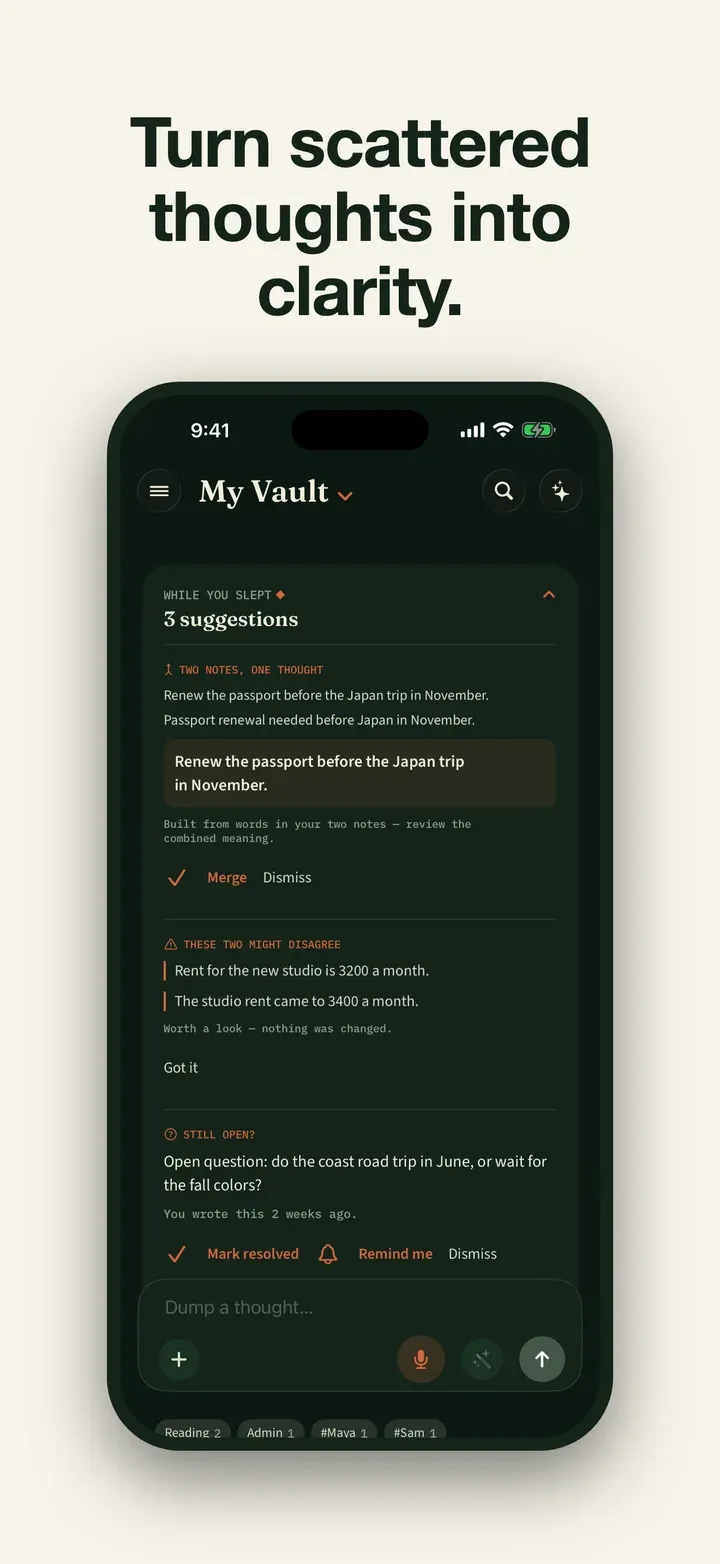
- It organizes itself. Thoughts are split into self-contained ideas, tagged by the people, companies, and projects they mention.
- Reminders from your own words. “Remind me Thursday” in a captured thought becomes a real reminder.
- Reflect. A private look at the themes running through your recent thinking.
- Yours, portable. Note and Ask text export to JSON or Markdown even in archive mode. Audio is not included, so the export is not a complete backup.
- Private by design. No login, no cloud processing, no tracking, no ads.
Requirements
Requires iOS or iPadOS 26 or later. Devices with Apple Intelligence use Apple’s built-in on-device model. Other supported devices may need a one-time model download; the app explains the available path during setup. Once the selected model is ready, AI processing and transcription remain on-device and core features can work offline. Answers are AI-generated from your notes, so review anything important against the cited source.
Results
A memory that compounds: text and spoken ideas become searchable, cited context without being uploaded for AI processing. Eligible new subscribers may receive a 3-day trial, followed by $4.99 a month or $29.99 a year in the US; archive access to previously saved material remains available without an active subscription.
Common questions
Second Brain is an iPhone and iPad note app for capturing text and voice memos, searching their transcripts, and asking your own notes questions with cited answers. There is no functional free plan: eligible new subscribers may receive a 3-day trial, followed by $4.99 per month or $29.99 per year in the US. Without an active subscription, previously saved notes remain readable and searchable, recordings remain playable, and note and Ask text remain exportable. AI processing and transcription run on-device; notes stay local unless you enable optional private iCloud sync, while recording audio stays on the device.
How is it different from a normal notes app?
You ask your notes in plain language, such as 'What did I decide about the trip?', and get an answer drawn only from what you wrote, with a link to the exact note it came from. When it does not have something, it tells you instead of making an answer up.
Is my data private?
Yes. Everything runs on-device with an on-device model: no account, no tracking, and it works in airplane mode. Your notes stay on your device unless you turn on the optional iCloud sync (off by default), which runs through your own private iCloud, which we can't read.
How do I capture a thought?
Type a note, share text from another app, dictate text, or record a voice memo. A voice recording you start can continue in the background; afterward, on-device transcription makes its words searchable. The app never starts recording by itself.
Is it free? How much does it cost?
There is no functional free plan. Eligible new subscribers may receive a 3-day free trial, then the US price is $4.99 a month or $29.99 a year. A subscription authorizes new notes, recordings, imports, and AI output. Without one, saved notes remain readable and searchable, recordings remain playable, note and Ask text remains exportable, and existing items remain deletable.
Can I get my notes out of the app?
Yes. Note text and Ask history export as structured JSON or Markdown, including in archive mode after a subscription ends. Recording audio is not included, so the export is a portable text record rather than a complete app backup. Optional private iCloud sync is available and off by default.
Can it prepare context for another AI?
Yes. Enter a question, review the relevant facts Second Brain finds in your notes, remove anything you do not want to include, then copy or share the resulting context and question. The app never sends that material automatically.
Can it remind me of things?
Yes. If a captured note says something like 'remind me Thursday', it becomes a real reminder.