Sam
Your secure intern, on your Mac and in your pocket
A macOS menu-bar assistant that runs scheduled chores (morning briefs, on-device research, repo and site watching) with local models, plus an iPhone companion for directions, approvals, and status. Everything syncs through your own iCloud; no servers.
The Challenge
Assistants that live in a browser tab forget you between visits, and assistants that live in the cloud read your files on someone else’s computer. What a working person actually wants is closer to an intern: something that quietly does the recurring work (the morning read, the watching, the summarising) on your own machine, shows its work, and asks before doing anything that matters.
Our Approach
Sam is that intern. It sits in the macOS menu bar and runs declared chores on a schedule: a morning brief, web research summarised by on-device models, watching repositories and websites for changes that matter. Every result is a plain file and a short report: no black box, no chat scroll to archaeology through.
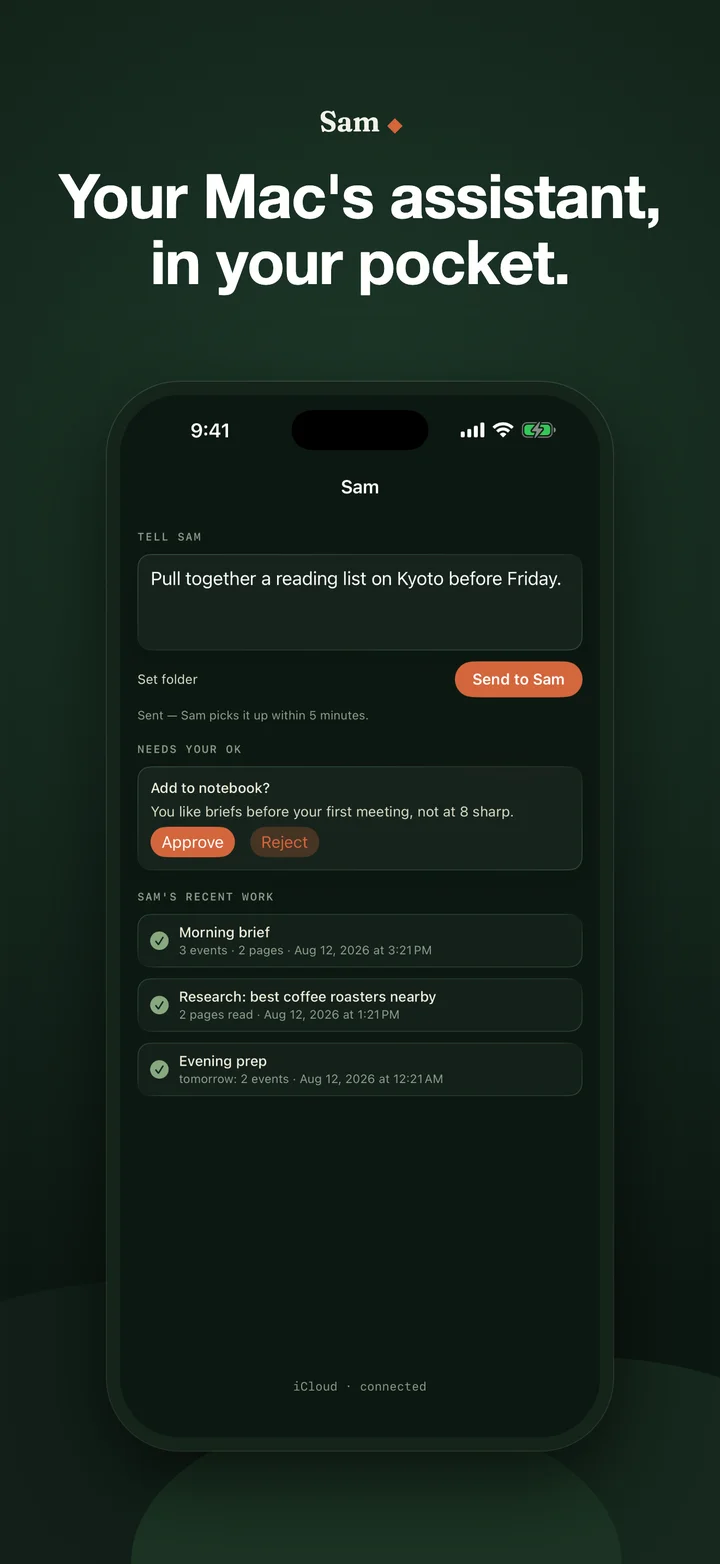
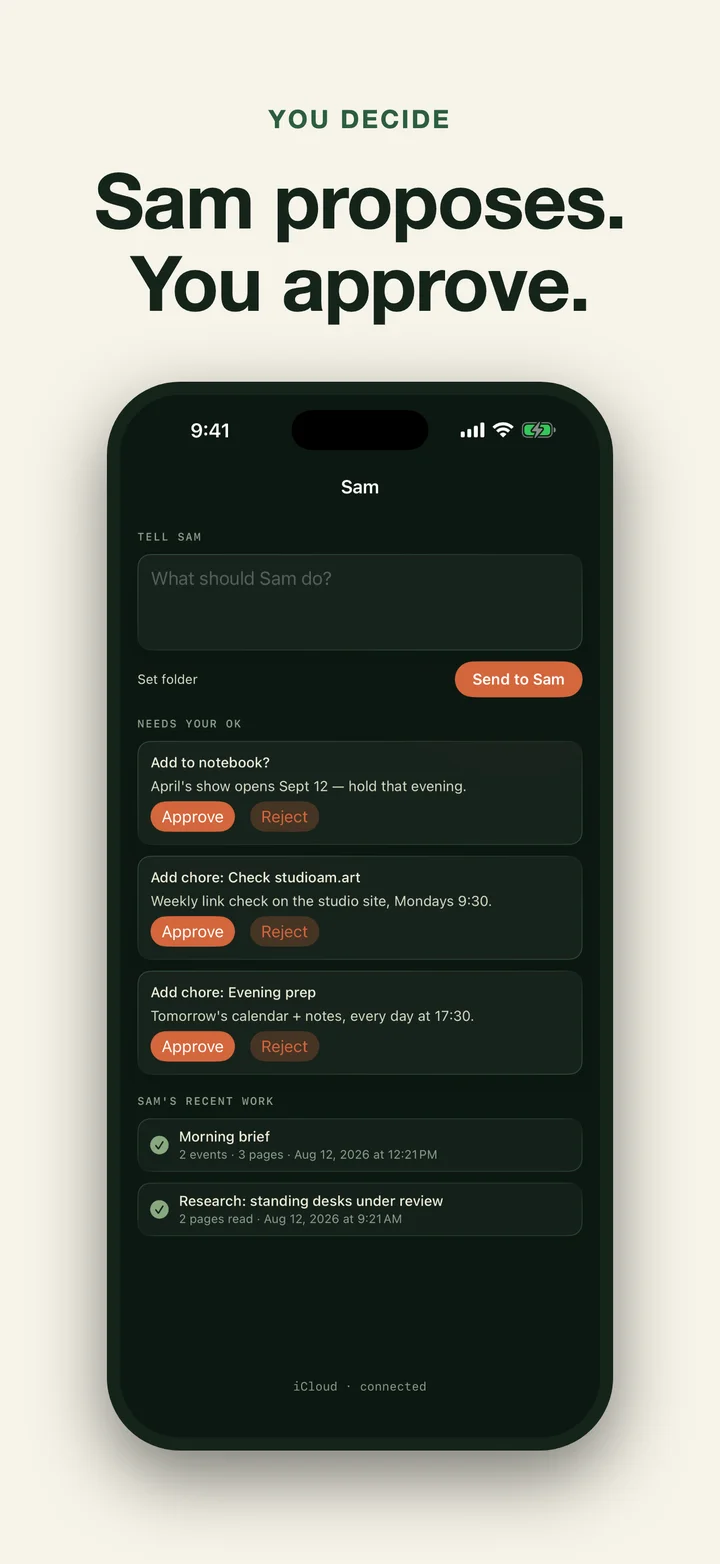
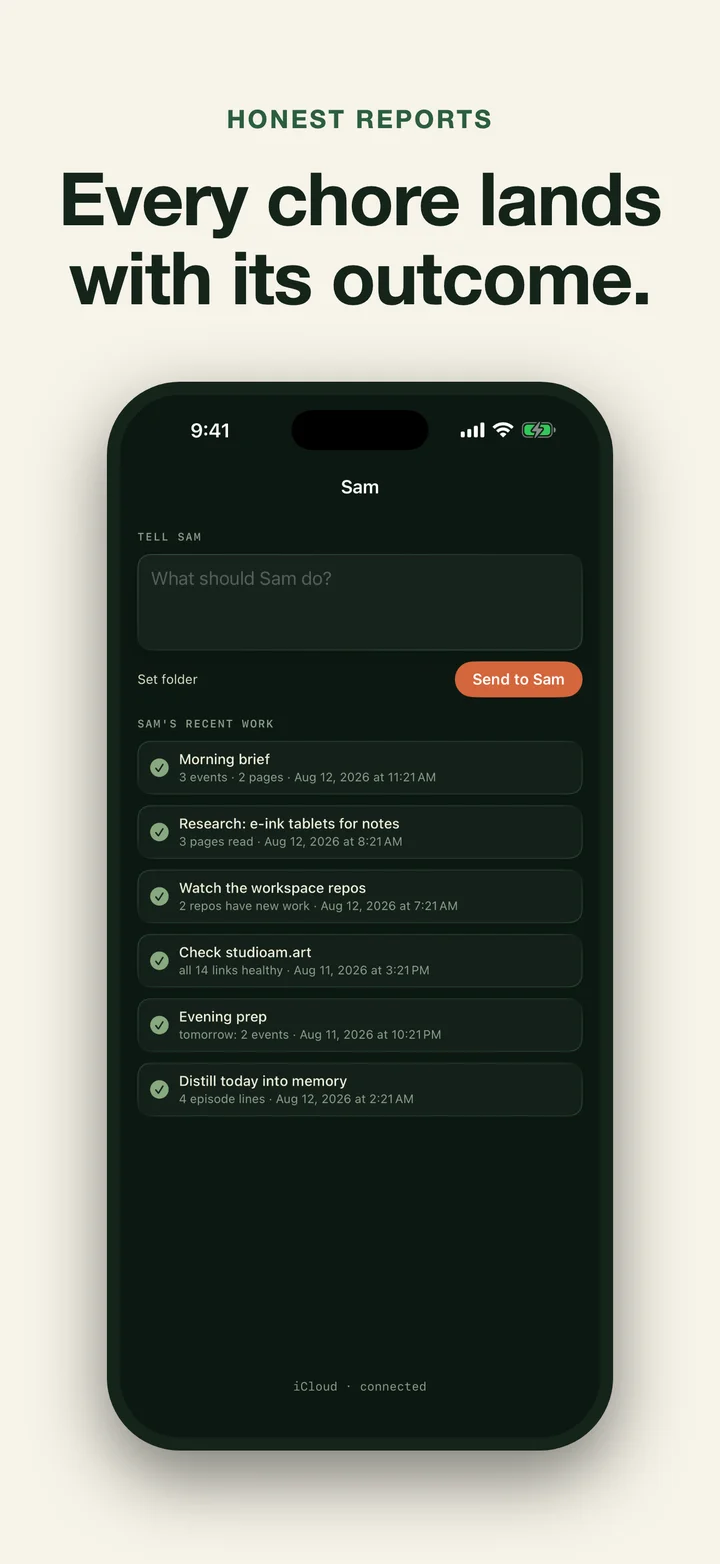
The iPhone app is the leash and the inbox. Compose a direction on the phone and the Mac picks it up; work that needs permission waits in an approval queue the phone mirrors; every run reports back with what it did. The two halves communicate only through your own iCloud private database. Studio AM operates no servers, has no account system, and never sees your data.
Key Features
- Scheduled chores. Morning brief, on-device web research, repo and site watching; new capability arrives as a new chore declaration, not a new app.
- On-device models. A small local model with a strong harness; deterministic gates check every output, and honest abstention beats confident wrong.
- Approvals before actions. Anything consequential waits for an explicit go, from the Mac or from the phone.
- The phone as remote. Directions, approvals, run history, and status from your pocket, synced through your own iCloud.
- Plain-file transparency. Everything Sam knows and did lives in readable files on your Mac.
- No servers. Phone and Mac meet only in your private iCloud database. Nothing else is in the loop.
Access and Data
The iPhone companion is free. Sam Pro on the Mac unlocks scheduled chores: eligible new subscribers get a 3-day trial, then $4.99 per month or $29.99 per year in the US, with Apple showing local terms before purchase. Lapsing never locks your data: everything Sam produced is plain files that stay on your Mac.
There is no Studio AM account, no analytics, and no tracking. Chore work runs on-device; the network is used for the web content your chores explicitly fetch, iCloud sync between your own devices, and StoreKit.
Results
Sam is the studio’s own daily driver: the intern that reads the morning’s changes, watches what we ship, and hands the day back with a brief. Both halves are in App Review now; the Mac and iPhone apps ship together.
Common questions
Sam is a Studio AM assistant with two halves: a macOS menu-bar app that runs scheduled chores (a morning brief, on-device web research, watching repositories and websites) using local, on-device language models, and a free iPhone companion for sending directions, approving queued work, and checking status. The two halves communicate only through the user's own iCloud private database; there are no Studio AM servers and no account. Private files never leave the Mac except as task-scoped briefs the user's own chores compose. Sam Pro on the Mac is a subscription with a 3-day trial for eligible new subscribers, $4.99 per month or $29.99 per year in the US; the iPhone companion is free.
What does Sam actually do?
Sam lives in the Mac menu bar and runs chores on a schedule: a morning brief, web research summarised on-device, and watching repositories or websites for changes. Results land as plain files and short reports you can read from the menu bar or on your iPhone.
Does my data go to a server?
No. There are no Studio AM servers and no account. The Mac and iPhone talk only through your own iCloud private database, and chore work runs on local, on-device models. Nothing from your files leaves the Mac except the task-scoped briefs your own chores compose.
What is the iPhone app for?
Directions, approvals, and status. You send Sam something to do from your pocket, approve work it queued for permission, and see what ran and what it found, all mirrored through iCloud.
What does Sam Pro cost?
The iPhone companion is free. Sam Pro on the Mac unlocks scheduled chores: eligible new subscribers get a 3-day trial, then $4.99 per month or $29.99 per year in the US. Apple shows eligibility and local terms before purchase.
Does Sam need Apple Intelligence?
Sam uses on-device models and is built for Apple-silicon Macs on recent macOS. Cloud models are never required; the design principle is a small model with a strong harness, checked by deterministic gates.