Safe Crosswalk
Be seen by turning drivers
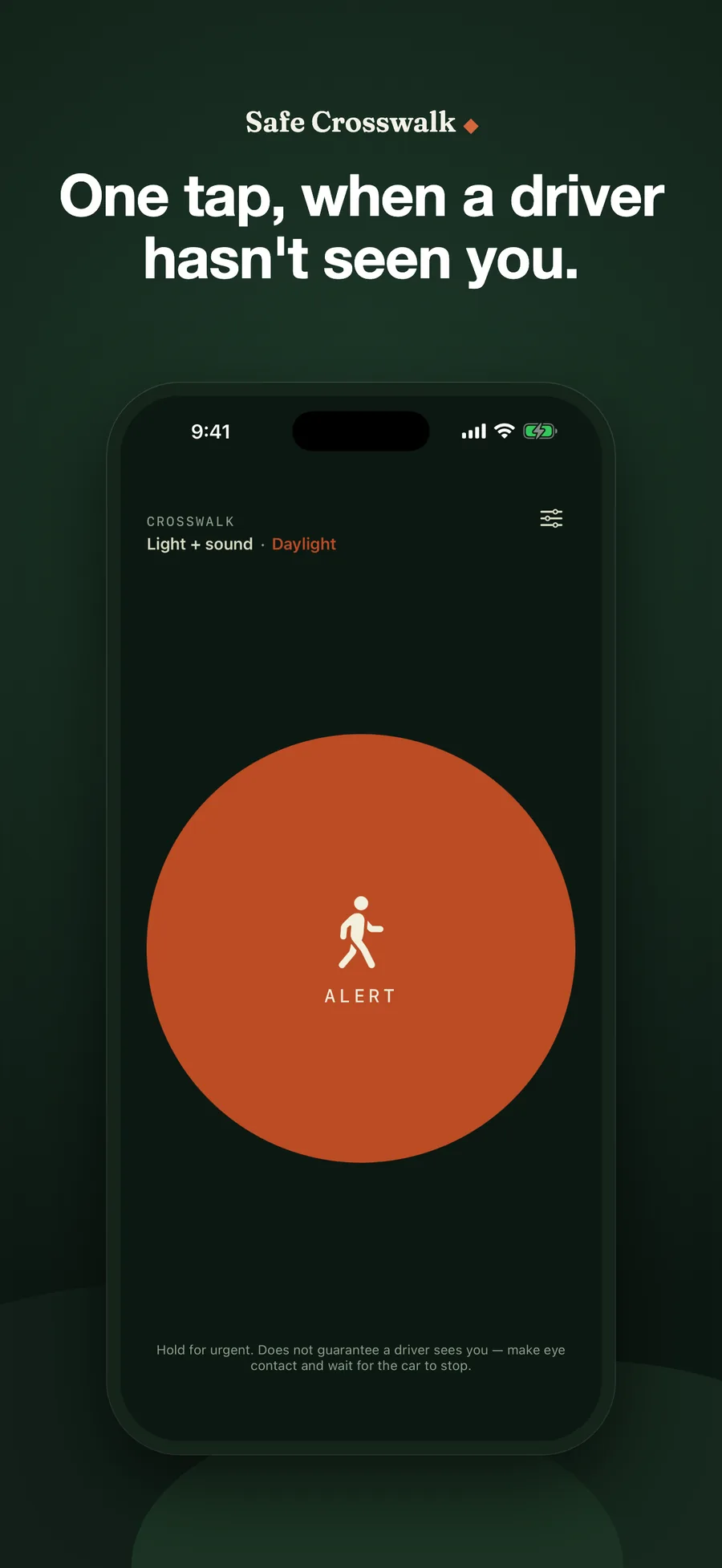
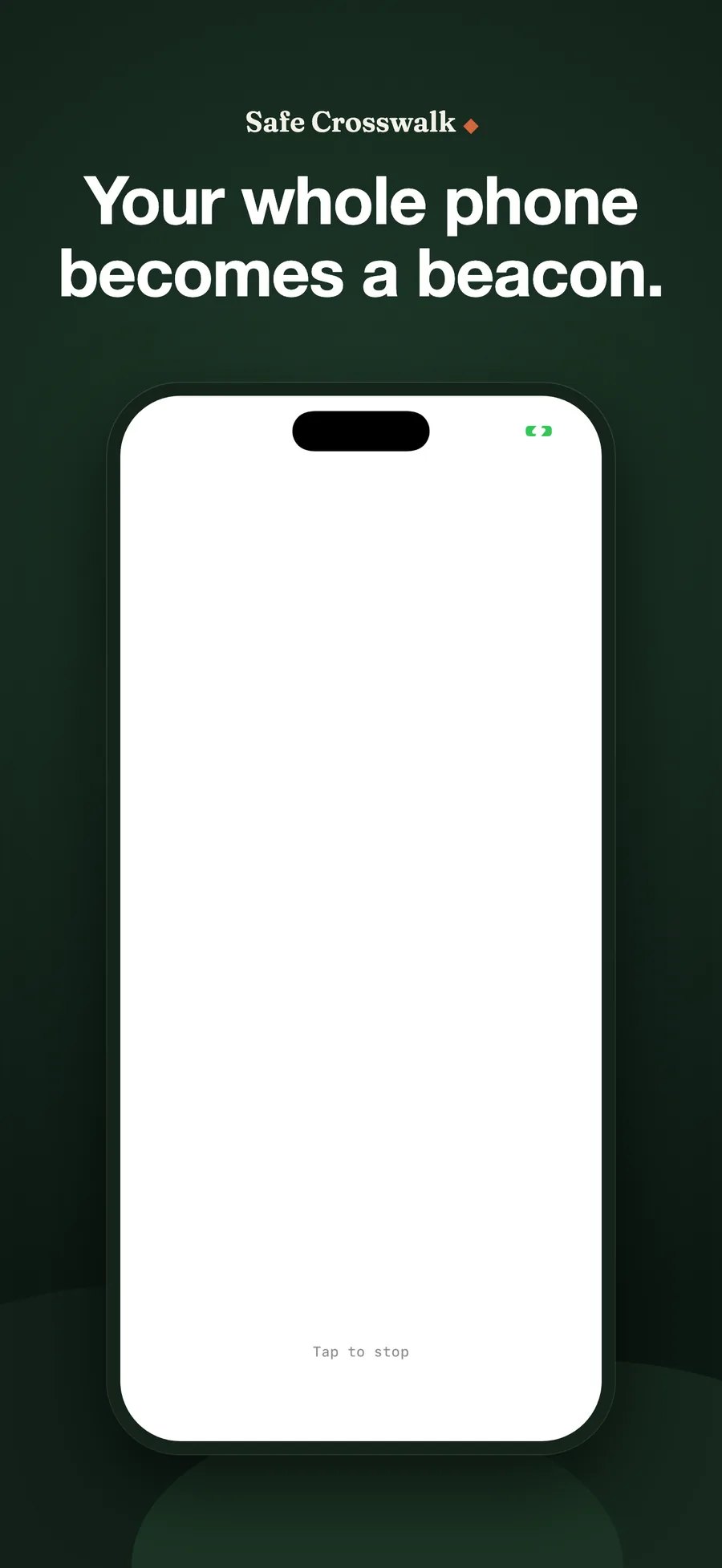
One tap turns your phone into a beacon. The screen and torch flash together while a voice says "Crossing". It is built for the moment when a driver turning across your path is still looking the other way. Free, with no account, no data collection and no network code at all.

The Challenge
A driver turning across your path is usually looking the other way. They turn their head left to find a gap in traffic, then start moving right while still processing what they saw. On-road eye-tracking has found that in a large share of turns the driver never looks at the crosswalk at all. The problem is not that you are hard to see. Their eyes are pointed somewhere else.
Our Approach
Safe Crosswalk is one tap that pulls attention back. The whole screen and the rear torch flash together and a voice says “Crossing.” Tap anywhere to stop; it stops on its own after 45 seconds.
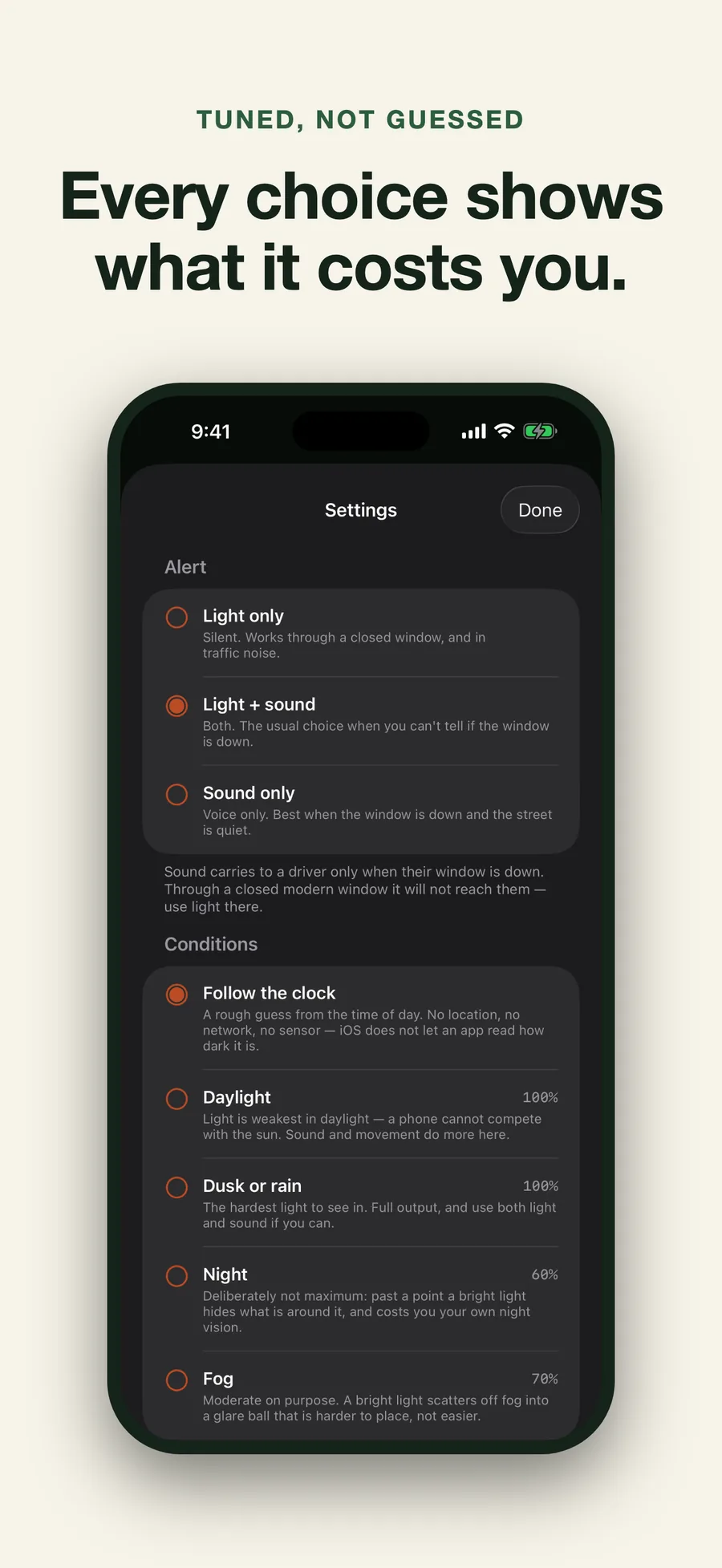
The parts that look like settings are really the parts we refuse to guess. You choose light, sound, or both, because whether sound reaches a driver is decided almost entirely by one thing: a closed modern cabin cuts roughly 35 dB, so a phone would need to nearly touch the glass, while with the window down the same phone carries several metres. No heuristic can see the window from your pocket. You choose the conditions too, because iOS exposes no ambient-light reading to apps, and weather would mean a network call and your location, the two things this app is built to never need. The clock supplies a first guess so the common case is still zero taps.
Every constant traces to published human-factors work rather than taste, and the obvious instincts are both wrong:
- Flashing is capped at 4 per second, in code that cannot be raised by a stored setting, a migration, or the urgent hold. 10 to 20 Hz is the band most likely to trigger a photosensitive seizure, and above 5 Hz causes eyestrain.
- The dim phase never goes fully dark, because a light that vanishes between flashes is harder for a driver to place than one that only drops.
- It does not use maximum brightness at night. Past a point a warning beacon masks the low-contrast hazards a driver still needs to see, and it costs you your own night vision. Only daylight gets everything the phone has.
Key Features
- One tap, or one press. Start it from the app, or hold for an urgent alert that forces sound on and goes to full brightness. The urgent alert changes intensity and words, never the flash rate.
- Three modes. Light only (silent, works through a closed window), light and sound, or sound only.
- Intensity by conditions. Daylight and dusk run at full output, night at 60 percent, fog at 70, each explained on the screen where you pick it.
- Speech, not a tone. Spoken warnings get faster, more accurate responses from drivers than abstract sounds, and it sounds even with the ringer switch on silent.
- Stops itself. 45 seconds, so a phone left running does not drain the battery or heat the torch.
What It Deliberately Does Not Claim
It does not make you safe. It is one more way to be noticed, and the app says that on its first screen rather than in a footnote. An aid that raises your confidence more than your visibility is the one way this backfires. Keep making eye contact and keep waiting for the car to actually stop. What would fix this is street design: daylighting, leading pedestrian intervals, turn calming. This is what one person can carry into the gap those leave.
Access and Data
Free. No subscription, no in-app purchase, no advertising.
It collects nothing, and that is a property of the build rather than a promise in a policy: the app contains no networking code at all, so there is nowhere for data to go. No account, no location, no analytics, no tracking. Your preferences are stored on the device and nothing else is stored anywhere.
Results
The smallest thing in the studio’s catalogue and the only one that is free by design: a single button, priced at nothing, for a thirty-second problem that street design has not solved yet.
Common questions
Safe Crosswalk is a free English-language iPhone app that makes a pedestrian easier to notice at the moment a driver is turning across their path. One tap flashes the phone screen and the rear torch together and speaks the word "Crossing"; a tap anywhere stops it, and it stops on its own after 45 seconds. The user chooses light only, light and sound, or sound only, because only the person at the kerb can see whether the driver's window is down. A closed modern car cuts roughly 35 dB, so sound reaches a driver only through an open window. The flash rate is hard-clamped to 2 to 4 Hz so it can never enter the 10 to 20 Hz photosensitive-seizure band, the dim phase never goes fully dark, and peak brightness varies by conditions (full in daylight and dusk, 60 percent at night, 70 percent in fog) because past a point a bright beacon starts masking what a driver needs to see. The app states plainly that it does not make the user safe and that eye contact and waiting for the car to stop still matter. It is free with no in-app purchase, subscription or advertising, contains no networking code, and collects nothing.
What does Safe Crosswalk actually do?
One tap turns the whole phone into a beacon: the screen and the rear torch flash together and a voice says "Crossing". Tap anywhere to stop it, or leave it: it stops by itself after 45 seconds so a phone cannot sit flashing in a pocket.
Why do I have to pick light or sound myself?
Because only you can see the one thing that decides it: whether the driver's window is down. A closed modern car cuts about 35 decibels, so a phone would need to be almost touching the glass to be heard. With the window down, the same phone carries several metres. No app can read the window from your pocket. You can, so the choice is yours.
Is the flashing safe for people sensitive to light?
The rate is clamped in code to between 2 and 4 flashes per second and cannot be raised, including by the urgent hold. That keeps it out of the 10 to 20 Hz band most likely to trigger a photosensitive seizure and below the 5 Hz threshold where flicker starts causing eyestrain. A first-run notice says the app flashes brightly and points anyone sensitive to the sound-only mode.
Why is it not just as bright and as fast as possible?
Both instincts are wrong. Past a point a bright warning light starts masking the low-contrast things a driver needs to see, and at night it also costs you your own dark adaptation; night runs at 60 percent and fog at 70, where a bright source would scatter into a glare ball. The dim half of each flash never goes fully dark either, because a light that disappears is harder for a driver to place.
Does it make me safe to cross?
No, and the app says so on its own first screen. It is one more way to be noticed, not a guarantee. Keep making eye contact and keep waiting for the car to actually stop. What fixes this is street design: daylighting, leading pedestrian intervals, turn calming.
What does it cost, and what data does it collect?
It is free: no subscription, no in-app purchase, no advertising. It collects nothing, and not by policy: it contains no networking code at all, so there is nowhere for data to go. No account, no location, no tracking; your preferences stay on the device.